Outbound Events: Stream to Azure Event Grid
This example streams graph events to Azure Event Grid:
Azure Event Grid benefits:
- Native Azure integration (Functions, Logic Apps, etc.)
- Serverless event routing
- High availability and scalability
- Event filtering at the grid level
Event type in this example:
indykite.audit.capture.upsert.node (node create/update only)
Use with Azure:
- Azure Functions: Trigger code on events
- Logic Apps: Workflow automation
- Event Hubs: Stream analytics
- Custom webhooks: Any HTTP endpoint
Use case
Scenario: Trigger an Azure Function whenever a Pontiac car is added to inventory.
Configuration:
- Event type: indykite.audit.capture.upsert.node (upsert only, not delete)
- Filter: Car nodes where manufacturer="pontiac"
- Destination: Azure Event Grid topic
Azure Function workflow:
1. Car(manufacturer:"pontiac") ingested in IndyKite
2. Event sent to Azure Event Grid
3. Azure Function triggered
4. Function processes event (e.g., sends notification, updates dashboard)
This enables reactive, serverless architectures with IndyKite as the data source.
Requirements
Prerequisites:
- ServiceAccount credentials: For configuration (Bearer token)
- AppAgent credentials: For data ingestion (X-IK-ClientKey)
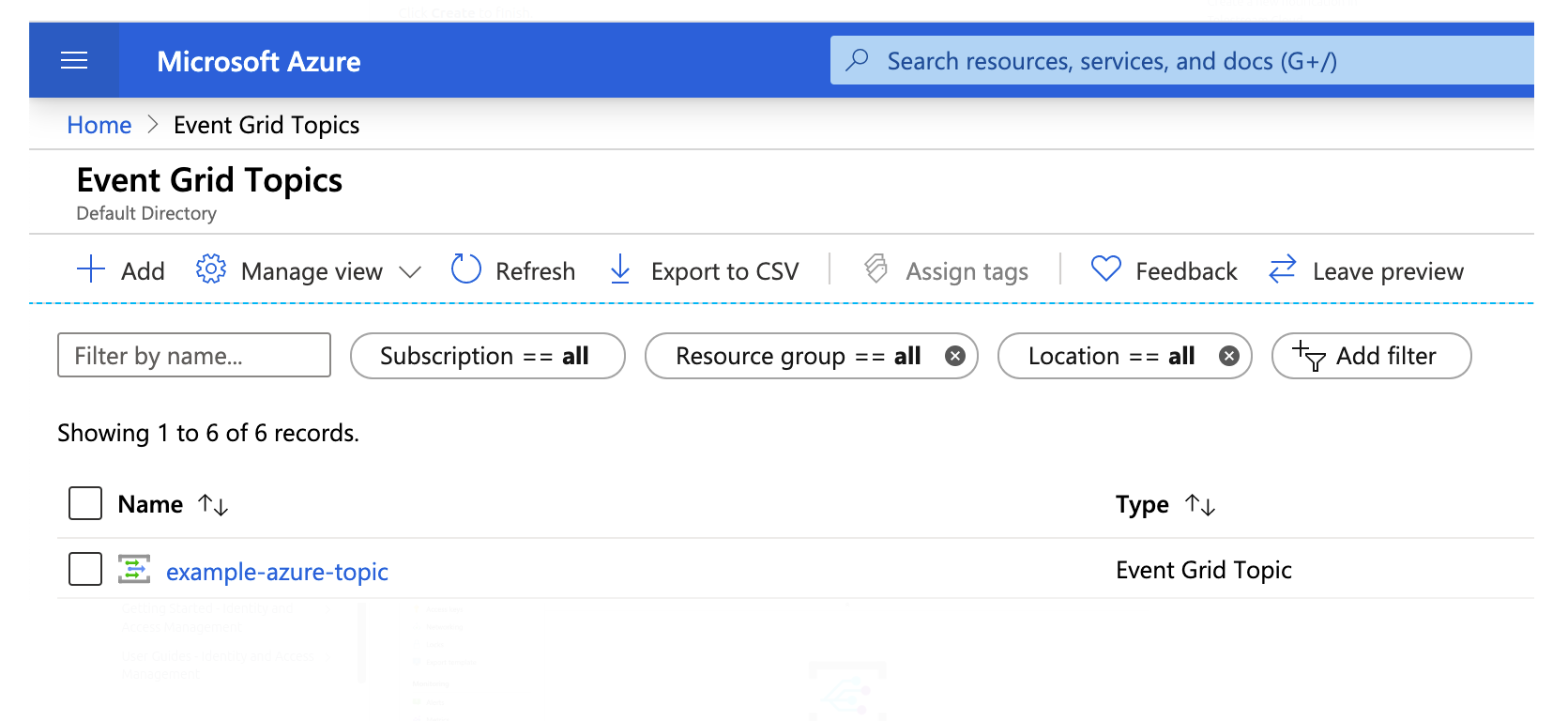
- Azure Event Grid topic: With endpoint URL and access key
Azure setup:
- Create Event Grid topic in Azure portal
- Note the topic endpoint URL
- Generate access key for authentication
Steps
Step 1: Set Up Azure Event Grid Topic
- Action: Create Event Grid topic in Azure portal
- Note: Topic endpoint URL and access key needed
Step 2: Create Event Sink Configuration
- Authentication: ServiceAccount credential (Bearer token)
- Action: POST Event Sink with:
- Provider: Azure Event Grid
- Event type: indykite.audit.capture.upsert.node
- Filters: Car label, manufacturer="pontiac"
- Endpoint: Your Event Grid topic URL
- Result: Event Sink active
Step 3: Ingest Matching Nodes
- Authentication: AppAgent credential (X-IK-ClientKey)
- Action: POST Car nodes with manufacturer="pontiac"
- Result: Events delivered to Azure Event Grid
Step 4-5: Add More Nodes and Verify
- Add additional matching nodes
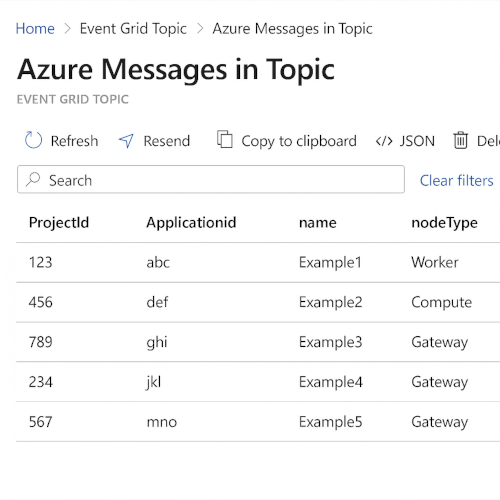
- Check Azure portal for received events
- Verify non-matching nodes don't trigger events
Step 2
Create an EventSink configuration.
{
  "project_id": "your_project_gid",
  "description": "description of eventsink",
  "display_name": "eventsink name",
  "name": "eventsink-name",
  "providers": {
    "provider-with-azure-event-grid": {
      "include_cdc_events": false,
      "azure_event_grid": {
        "topicEndpoint": "https://ik-test.eventgrid.azure.net/api/events",
        "accessKey": "secret-access-key"
      }
    }
  },
  "routes": [
    {
      "provider_id": "provider-with-azure-event-grid",
      "event_type_key_values_filter": {
        "context_key_value": [
          {
            "key": "manufacturer",
            "value": "pontiac"
          },
          {
            "key": "captureLabel",
            "value": "Car"
          }
        ],
        "event_type": "indykite.audit.capture.upsert.node"
      },
      "stop_processing": true,
      "display_name": "Configuration Audit Events"
    }
  ]
}
Step 3
Capture the nodes needed for this use case.
{
  "nodes": [
    {
      "external_id": "alice",
      "is_identity": true,
      "type": "Person",
      "properties": [
        {
          "type": "email",
          "value": "alice@email.com"
        },
        {
          "type": "given_name",
          "value": "Alice"
        },
        {
          "type": "last_name",
          "value": "Smith"
        }
      ]
    },
    {
      "external_id": "knightrider",
      "type": "Person",
      "is_identity": true,
      "properties": [
        {
          "type": "email",
          "value": "knightrider@demo.com"
        },
        {
          "type": "name",
          "value": "Michael Knight"
        }
      ]
    },
    {
      "external_id": "satchmo",
      "type": "Person",
      "is_identity": true,
      "properties": [
        {
          "type": "email",
          "value": "satchmo@demo.com"
        },
        {
          "type": "name",
          "value": "Louis Armstrong"
        }
      ]
    },
    {
      "external_id": "karel",
      "type": "Person",
      "is_identity": true,
      "properties": [
        {
          "type": "email",
          "value": "karel@demo.com"
        },
        {
          "type": "name",
          "value": "Karel Plihal"
        }
      ]
    },
    {
      "external_id": "kitt",
      "type": "Car",
      "is_identity": false,
      "properties": [
        {
          "type": "manufacturer",
          "value": "pontiac"
        },
        {
          "type": "model",
          "value": "Firebird"
        }
      ]
    },
    {
      "external_id": "cadillacv16",
      "type": "Car",
      "is_identity": false,
      "properties": [
        {
          "type": "manufacturer",
          "value": "Cadillac"
        },
        {
          "type": "model",
          "value": "V-16"
        }
      ]
    },
    {
      "external_id": "harmonika",
      "type": "Bus",
      "is_identity": false,
      "properties": [
        {
          "type": "manufacturer",
          "value": "Ikarus"
        },
        {
          "type": "model",
          "value": "280"
        }
      ]
    },
    {
      "external_id": "listek",
      "type": "Ticket",
      "is_identity": false
    },
    {
      "external_id": "airbook-xyz",
      "type": "Laptop",
      "is_identity": false
    }
  ]
}
Step 4
Capture the nodes needed for this use case.
{
  "nodes": [
    {
      "external_id": "kitten",
      "type": "Car",
      "is_identity": false,
      "properties": [
        {
          "type": "manufacturer",
          "value": "pontiac"
        },
        {
          "type": "model",
          "value": "Bonneville"
        }
      ]
    },
    {
      "external_id": "kitty",
      "type": "Car",
      "is_identity": false,
      "properties": [
        {
          "type": "manufacturer",
          "value": "pontiac"
        },
        {
          "type": "model",
          "value": "Catalina"
        }
      ]
    }
  ]
}